Patterns That Shape Software
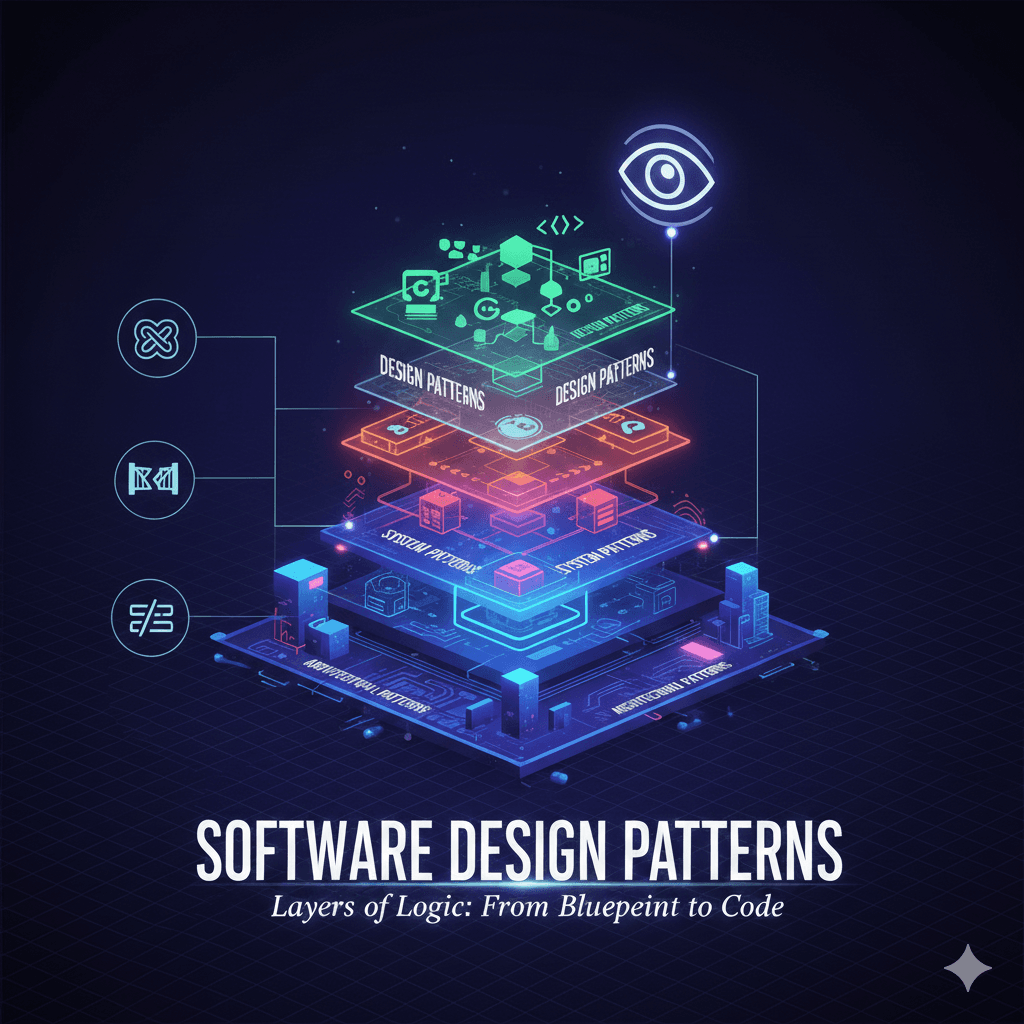
Architectural, System, and Design Patterns solve problems at different layers of software development. This article breaks them down with simple explanations and a visual comparison.
Published on 31 jan 2026
1. What are Architectural Patterns?
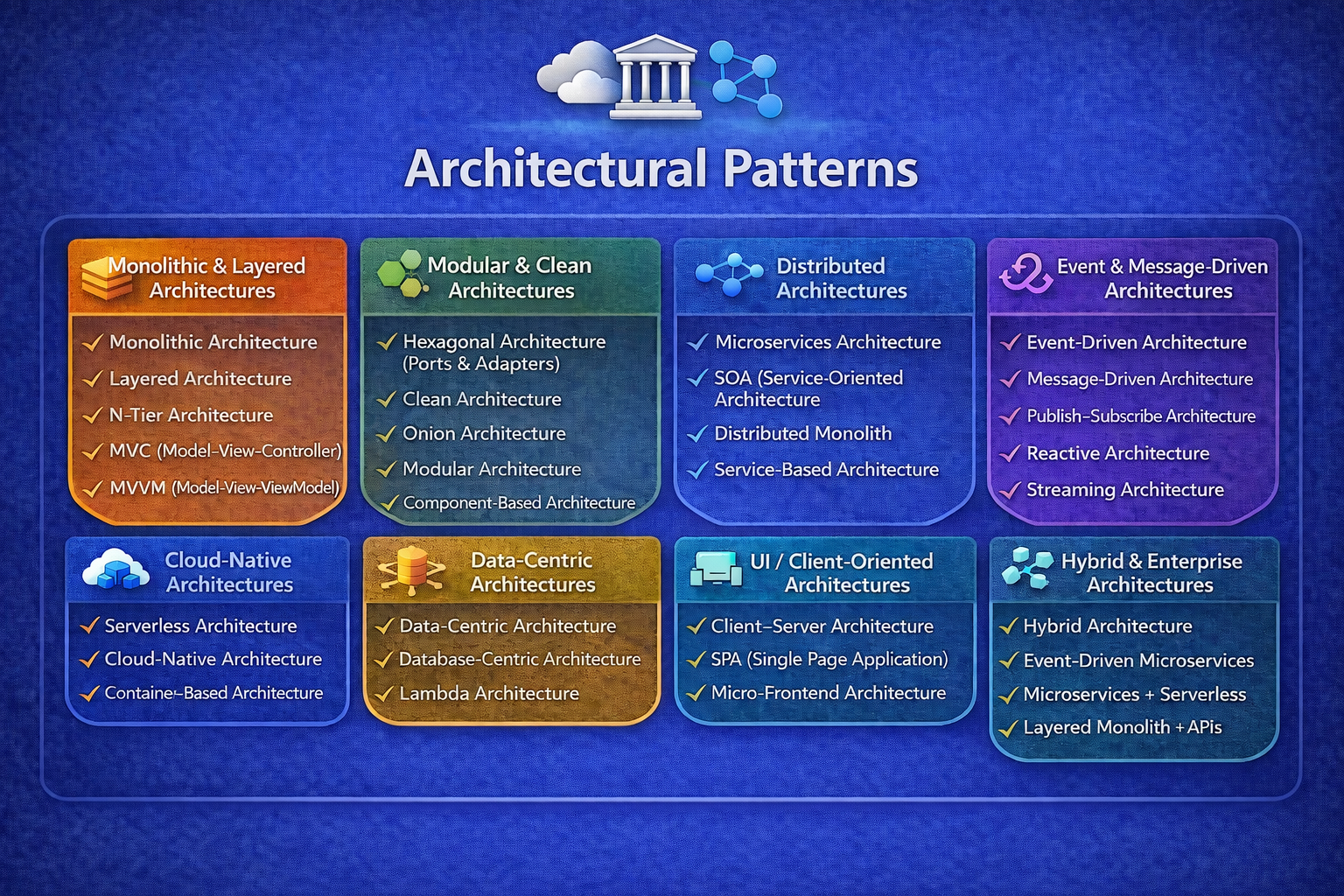
Architectural patterns define the overall structure of a software system by organizing components and their interactions to achieve scalability, maintainability, and separation of concerns.
They answer:
- How is the application structured?
- How do layers/services communicate?
- How do we separate responsibilities?
Blueprint of the application
1.2 Common Architectural Patterns
1.2.1 Layered Architecture
Organizes the system into layers:
Presentation
Business Logic
Data Access
Database
- Easy to understand
- Widely used in enterprise apps
1.2.2 MVC (Model–View–Controller)
Separates:
Model → Data & business logic
View → UI
Controller → Handles input
- Clean separation
- Popular in web frameworks
1.2.3 Microservices Architecture
System is split into independent services:
- Each service has its own DB
- Communicate via APIs or events
- Highly scalable
- Fault isolation
1.2.4 Event-Driven Architecture
Components communicate using events:
- Producers emit events
- Consumers react
- Loose coupling
- High scalability
1.2.5 Clean / Hexagonal Architecture
Focuses on:
- Business logic at the center
- External systems as plugins
- Highly testable
- Framework-independent
2. What are System Patterns?
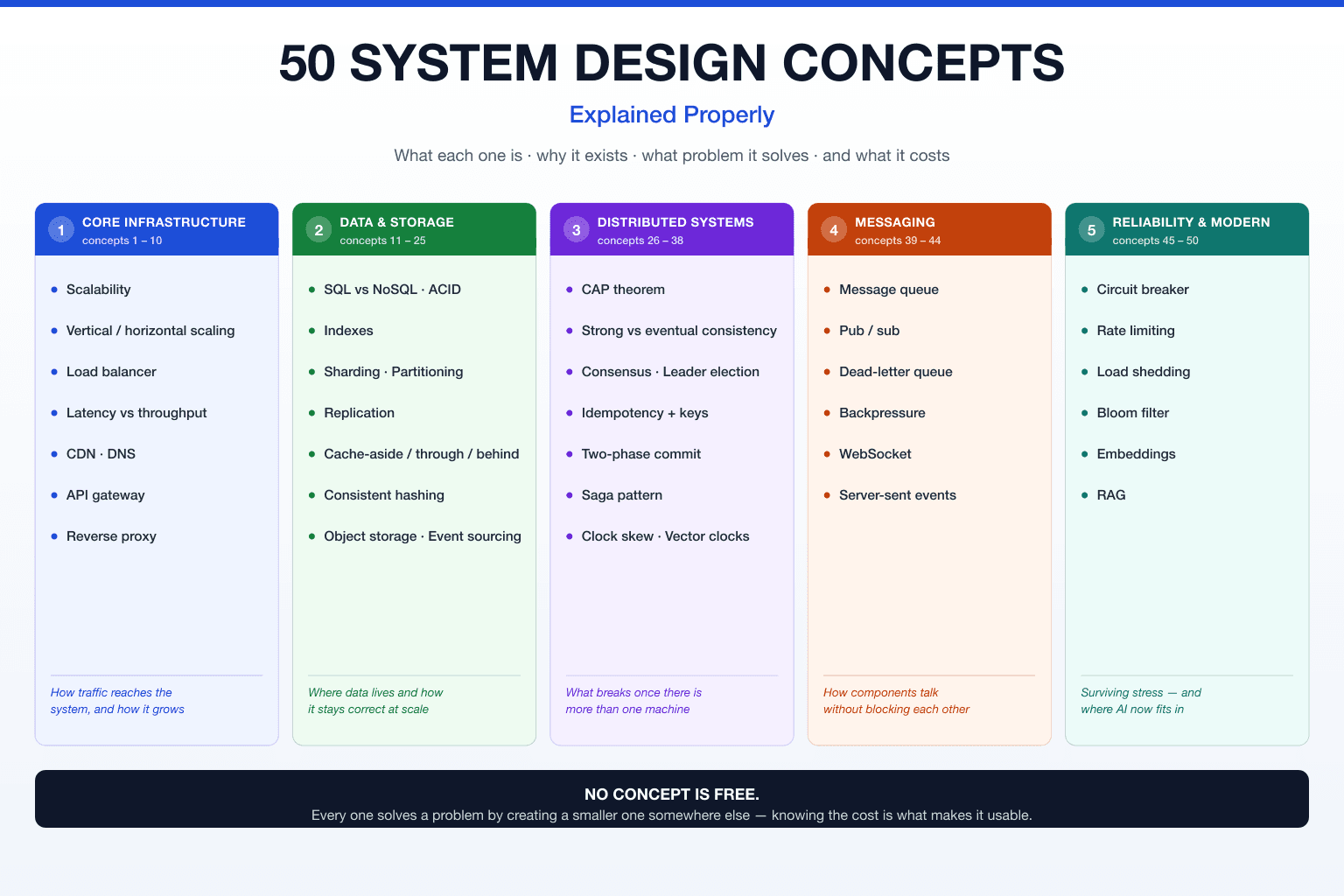
System patterns are high-level runtime patterns that describe how a system behaves in production—especially around scalability, reliability, availability, and fault tolerance.
- If architectural patterns define how the system is structured,
- system patterns define how the system survives under real-world load and failures.
2.1 What problems do System Patterns solve?
They answer questions like:
- How do we scale when traffic increases?
- What happens if a service fails?
- How do we avoid cascading failures?
- How do we keep the system fast and stable?
2.2 Common System Patterns
2.2.1 Load Balancer Pattern
Distributes incoming requests across multiple servers.
Why?
- Prevents server overload
- Improves availability
2.2.2 Cache-Aside Pattern
Application checks cache first → DB only if needed.
Why?
- Faster responses
- Reduced database load
2.2.3 Circuit Breaker Pattern
Stops calls to a failing service temporarily.
Why?
- Prevents cascading failures
- Allows recovery time
2.2.4 Retry & Timeout Pattern
Retries failed requests with limits and timeouts.
Why?
- Handles transient network issues
- Prevents indefinite waits
2.2.5 CQRS (Command Query Responsibility Segregation)
Separates read and write models.
Why?
- Optimizes performance
- Handles high read/write loads
2.2.6 Saga Pattern
Manages distributed transactions across services.
Why?
- Ensures consistency in microservices
- Avoids 2-phase commit issues
2.2.7 Rate Limiting Pattern
Limits how many requests a client can make.
Why?
- Prevents abuse
- Protects APIs from DDoS
3. What are Design Patterns?
Design patterns are reusable, proven solutions to common problems in code design. They guide how classes and objects are structured and interact, without being tied to a specific language.
Design patterns = best practices for writing flexible, maintainable code
3.1 What problems do Design Patterns solve?
They help you:
- Avoid reinventing the wheel
- Reduce tight coupling
- Improve readability & maintainability
- Make code easier to extend and test
3.2 Key Characteristics
- Code-level (LLD)
- Language-independent concepts
- Describe solutions, not implementations
- can be combined together
3.3 Categories of Design Patterns (GoF – 23)
3.3.1 Creational Patterns
Focus: Object creation
- Singleton – One instance only
- Factory Method – Subclass decides object creation
- Abstract Factory – Factory of factories
- Builder – Step-by-step object construction
- Prototype – Clone existing objects
3.3.2 Structural Patterns
- Focus: Class & object composition
- Adapter – Make incompatible interfaces work
- Decorator – Add behavior dynamically
- Facade – Simplified interface to complex system
- Proxy – Control access to object
- Composite – Tree-like structure
- Bridge – Separate abstraction from implementation
- Flyweight – Memory optimization
3.3.2 ehavioral Patterns
- Focus: Communication & responsibility
- Observer – Event-based notifications
- Strategy – Switch algorithms at runtime
- Command – Encapsulate a request
- State – Change behavior based on state
- Template Method – Define algorithm skeleton
- Iterator – Sequential access
- Mediator – Centralized communication
- Chain of Responsibility
- Memento
- Visitor
- Interpreter
4. Where Design Patterns Fit
- Architectural Patterns → HLD (structure)
- System Patterns → Runtime behavior
- Design Patterns → Code (LLD)